Desktop Flight Sim: Pilot Training Insights
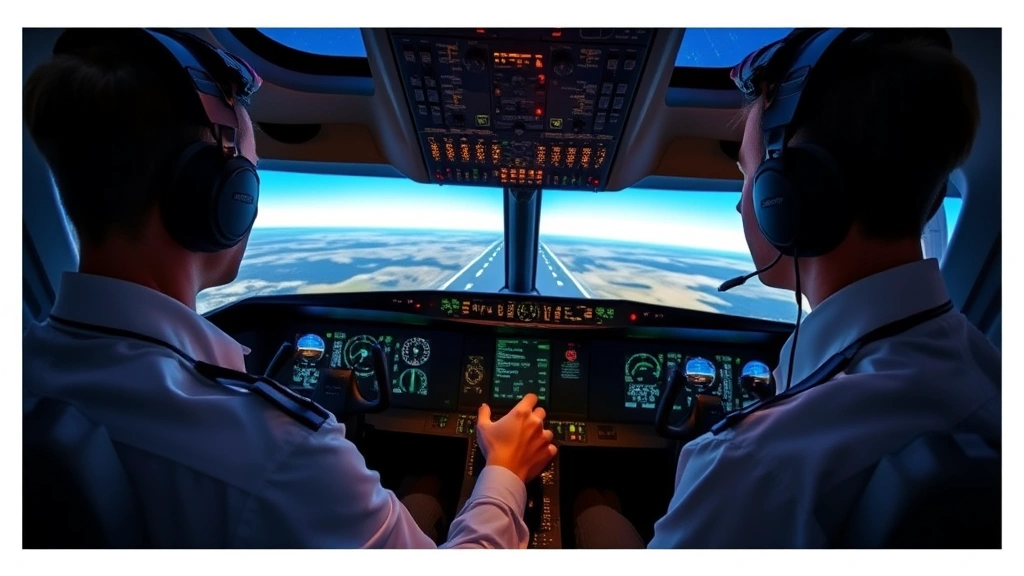
Desktop flight simulators have revolutionized how aspiring and professional pilots prepare for real-world flying. These sophisticated software platforms replicate actual aircraft systems, weather conditions, and airport environments with remarkable accuracy, making them invaluable training tools for aviation enthusiasts and certified flight instructors alike. Whether you’re considering a career in aviation or simply passionate about understanding how pilots master their craft, desktop pilot flight simulation offers unprecedented insights into the complexities of modern aviation.
The evolution of desktop flight simulation technology has transformed pilot training from expensive, time-intensive procedures into accessible, cost-effective learning experiences. Today’s simulators can reproduce the exact behavior of commercial and general aviation aircraft, complete with realistic instrument panels, autopilot systems, and emergency procedures. This comprehensive guide explores how desktop flight sim training works, why it matters for pilot development, and how enthusiasts can leverage these platforms to deepen their aviation knowledge.
Understanding Desktop Flight Simulation Technology
Desktop flight simulators operate on the principle of recreating authentic aircraft behavior through complex mathematical modeling and physics engines. Modern platforms like Microsoft Flight Simulator and X-Plane use real-world aerodynamic data, precise weather systems, and detailed aircraft specifications to ensure training validity. The desktop pilot flight simulation experience includes accurate representation of lift, drag, thrust, and weight—the fundamental forces governing aircraft movement.
These simulators integrate multiple systems that professional pilots encounter daily: hydraulic systems, electrical systems, fuel management, navigation equipment, and communication protocols. When you engage with a quality desktop flight sim, you’re not simply playing a game; you’re interacting with a digital twin of actual aircraft behavior. This fidelity matters enormously for training purposes, as it builds muscle memory and procedural knowledge that transfers directly to real aircraft operation.
The technology has advanced significantly over the past two decades. Early flight sims offered basic graphics and simplified physics models. Today’s desktop platforms feature photorealistic environments, accurate airport layouts based on satellite imagery, and real-time weather integration. Pilots can practice approaches into specific airports during actual weather conditions—invaluable preparation for challenging real-world flights.
Core Components of Effective Flight Sim Training
Successful desktop pilot flight training requires understanding several essential components. First, the aircraft systems modeling must be accurate. This includes engine performance characteristics, electrical and hydraulic system behavior, pressurization systems, and autopilot functionality. When a pilot learns to manage these systems in simulation, they develop the procedural knowledge necessary to handle them during actual flight operations.
Second, environmental realism enhances training effectiveness. Modern simulators incorporate accurate wind patterns, atmospheric conditions, and turbulence modeling. Practicing approaches during simulated wind shear or microbursts prepares pilots for genuinely challenging situations. Similarly, realistic runway environments—complete with proper lighting systems, visual approach slope indicators, and ground terrain—help develop the visual scanning skills essential for safe landing.
Third, scenario-based training elevates desktop pilot flight simulation beyond simple flying. Effective training programs include realistic flight plans, air traffic control communications, and system failure scenarios. A comprehensive training session might involve planning a cross-country flight, filing a flight plan, communicating with ATC, managing fuel consumption, and handling an engine failure—all while maintaining proper aircraft control and navigation.
Fourth, instrument proficiency is crucial. Desktop simulators excel at developing instrument flying skills through practice with approach procedures, holding patterns, and navigation using various instruments. Pilots can practice cross-country navigation scenarios repeatedly until procedures become automatic, reducing cognitive load during actual flight operations.
Finally, assessment and feedback mechanisms are vital. Quality simulation platforms provide objective data on performance—altitude deviations, heading accuracy, airspeed management, and procedure compliance. This quantitative feedback helps trainees identify weaknesses and track improvement over time.
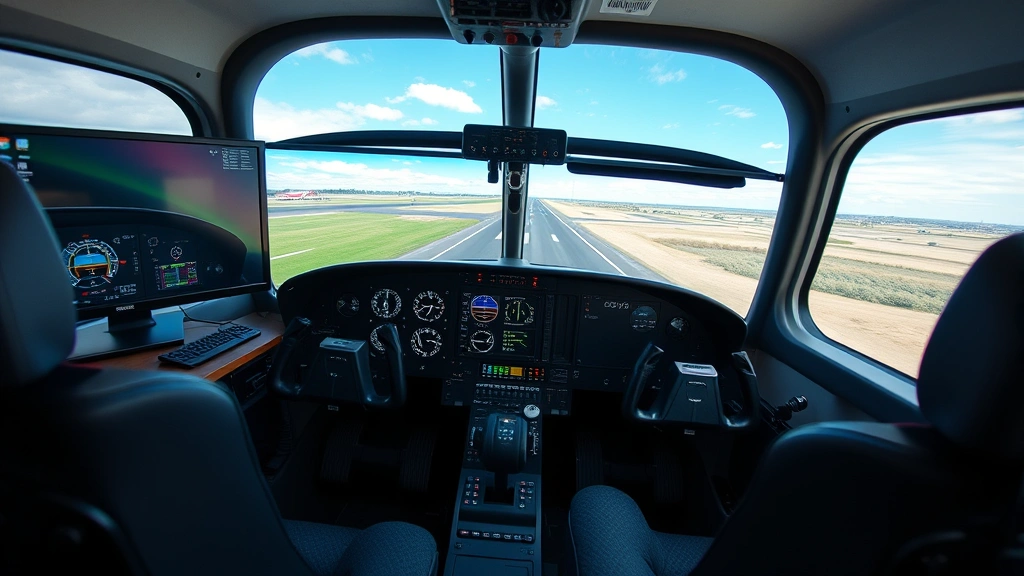
” alt=”Professional pilot training in modern flight simulator cockpit with multiple monitors displaying aircraft systems and navigation data”>
From Hobby to Professional Certification
The journey from casual enthusiast to certified pilot often begins with desktop flight simulation. Many aspiring pilots use simulators to explore aviation before committing significant time and financial resources to formal flight training. This exploration phase allows potential pilots to determine whether aviation truly aligns with their interests and abilities.
For those pursuing professional certification, desktop pilot flight simulation serves as crucial preparation. Before entering formal flight training, simulator experience accelerates learning curves and builds foundational knowledge. Students who arrive at flight schools with strong simulator backgrounds typically progress faster through training, reducing overall training costs and time requirements.
The Federal Aviation Administration (FAA) recognizes the value of simulation in pilot training. Approved flight training devices can count toward certain flight hour requirements for pilot certification. This regulatory acceptance underscores the legitimate role of quality desktop flight sims in the professional pilot development pipeline.
Transitioning from simulation to actual aircraft requires proper instruction and supervision. A qualified flight instructor guides the transition, ensuring that simulator-derived skills transfer appropriately to real aircraft. The fundamentals—pitch and power relationships, trim management, procedural discipline—carry over directly, but the physical sensations and environmental cues of actual flight require adjustment and familiarization.
Building Your Home Flight Sim Setup
Creating an effective home desktop pilot flight simulation environment involves thoughtful hardware selection and software configuration. The foundation begins with a capable computer—modern flight sims demand significant processing power for realistic graphics and accurate physics simulation. A mid-to-high-end desktop or laptop with a dedicated graphics processor, adequate RAM, and fast storage delivers smooth performance.
Hardware peripherals significantly enhance the training experience. A quality flight control yoke or stick provides proper control input feedback and develops muscle memory appropriate to actual aircraft. Rudder pedals enable proper coordination training, essential for safe flying. Throttle quadrants with proper detents replicate engine management controls found in real aircraft. These peripherals transform desktop pilot flight simulation from screen-based interaction into embodied learning that engages motor memory.
Instrument panels and switch panels add authenticity and operational complexity. Some enthusiasts build custom panels replicating specific aircraft types, complete with functional switches and controls. While expensive, these setups provide exceptional training value by requiring pilots to physically interact with systems as they would in actual aircraft.
Software selection matters enormously. X-Plane offers exceptional physics modeling and customization options. Microsoft Flight Simulator provides stunning graphics and extensive aircraft libraries. Prepar3D serves professional training environments. Each platform has strengths; your choice depends on specific training goals and aircraft of interest.
Before investing significantly in home simulation equipment, consider your training objectives. Casual flying requires minimal setup—basic software and a controller work fine. Serious pilot training benefits from comprehensive peripheral setups and quality aircraft add-ons. Learning to manage aviation expenses effectively applies equally to simulation equipment investments.
Real-World Applications in Pilot Development
Desktop pilot flight simulation directly enhances actual pilot performance across multiple dimensions. Research consistently demonstrates that pilots with strong simulator backgrounds demonstrate superior instrument skills, better situational awareness, and more disciplined procedural compliance during real flight operations.
Scenario-based training in desktop simulators develops decision-making abilities under pressure. Practicing emergency procedures in simulation—engine failures, system malfunctions, adverse weather—builds confidence and automaticity. When emergencies occur during actual flight, pilots have already mentally rehearsed responses, reducing panic and improving outcomes.
Navigation skills improve substantially through repeated practice in varied environments. Pilots can practice approaches into challenging airports—high-altitude fields, mountain approaches, short runways—dozens of times before encountering them in reality. This preparation translates directly to smoother, safer real-world operations.
Weather interpretation and decision-making benefit enormously from simulation. Pilots can practice analyzing weather briefings, making go/no-go decisions, and flying through various weather conditions in safety. Understanding how aircraft handle different wind conditions, precipitation, and visibility scenarios prepares pilots for real-world challenges.
System knowledge deepens through interactive learning in desktop pilot flight simulators. Rather than memorizing aircraft systems from textbooks, pilots interact with functional systems, learning through experience how they operate and respond to inputs. This experiential learning creates deeper, more durable knowledge than passive study.
Communication skills develop through realistic ATC interaction in simulators. Practicing radio phraseology, understanding clearances, and responding appropriately to controller instructions builds the communication competency essential for safe aviation operations. Many simulators include recorded ATC audio, allowing pilots to practice with authentic communication patterns.
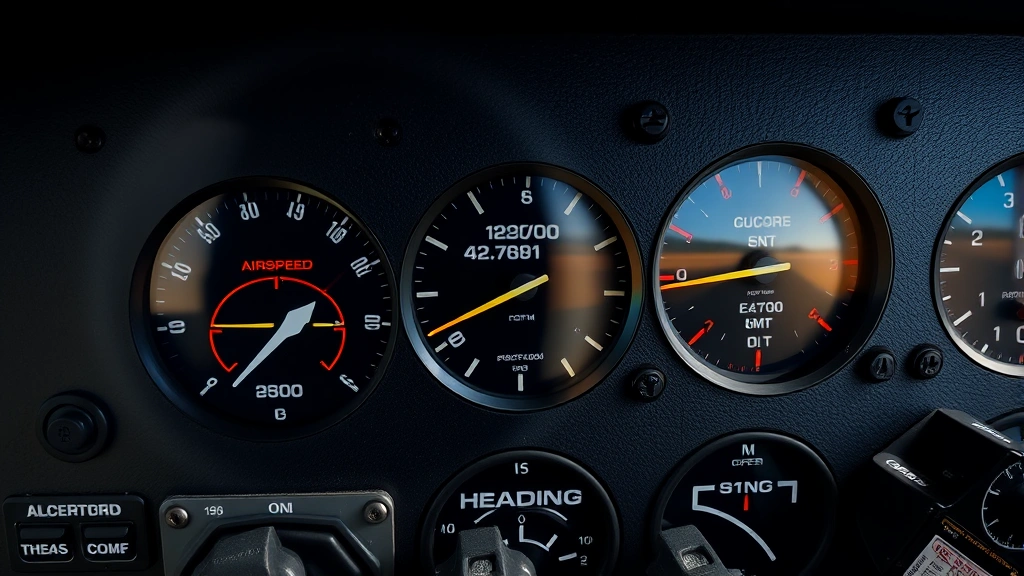
” alt=”Detailed view of aircraft instrument panel showing altitude indicator, artificial horizon, and navigation displays during simulated flight approach”>
Advanced Training Scenarios and Challenges
Progressive training in desktop pilot flight simulation involves increasingly challenging scenarios that develop advanced skills. Initial training focuses on basic aircraft control—maintaining altitude, heading, and airspeed. As proficiency develops, scenarios become more complex, introducing navigation challenges, weather complications, and system failures.
Advanced scenarios might include multi-engine aircraft operations, requiring pilots to manage asymmetrical thrust, crossfeed procedures, and single-engine performance limitations. These scenarios demand sophisticated understanding of aircraft systems and superior flying skills. Learning multi-engine operations in desktop pilot flight simulation before transitioning to actual twin-engine aircraft significantly accelerates training and reduces costs.
Approach and landing scenarios provide particular training value. Pilots practice visual approaches, instrument approaches, and crosswind landings repeatedly. Simulators allow immediate feedback on landing quality—touchdown zone accuracy, descent rate, and control inputs. This objective assessment drives rapid improvement in landing skills.
Icing scenarios deserve special attention in advanced training. Structural ice formation, instrument icing, and carburetor ice represent serious real-world hazards. Practicing recognition and response in desktop pilot flight simulation helps pilots develop appropriate caution and decision-making. Simulators can model icing progression realistically, showing how ice accumulation affects aircraft performance.
System failure scenarios develop critical thinking and procedural discipline. Practicing engine failures, hydraulic failures, electrical failures, and instrument failures in simulation builds the problem-solving skills essential for real-world emergency management. When systems fail during actual flight, properly trained pilots follow established procedures automatically, preserving safety margins.
Night flying scenarios require special consideration. Practicing night operations in desktop pilot flight simulation—limited visibility, instrument reliance, and reduced external references—develops skills safely before attempting night flying in actual aircraft. The psychological challenges of night flying can be explored and managed through simulation.
Cross-country navigation scenarios integrate multiple skills—flight planning, navigation, fuel management, weather decision-making, and ATC communication. These comprehensive scenarios mirror real-world flying complexity and develop the integrated skill sets that safe pilots possess.
FAQ
Can desktop flight simulators count toward pilot certification requirements?
Yes, the FAA recognizes approved flight training devices for certain flight hour requirements. Specifically, up to 20 hours of instrument time can be credited toward instrument rating requirements using approved simulators. However, you must use FAA-certified devices and receive instruction from qualified instructors. Check current FAA regulations for specific requirements, as rules may change.
What’s the difference between a flight simulator and a flight training device?
Flight training devices are FAA-certified simulators meeting specific performance standards for training purposes. They can count toward certification requirements. Consumer desktop flight sims, while excellent for learning and practice, typically don’t meet certification standards but still provide substantial training value for skill development and knowledge acquisition.
How much should I budget for a quality home flight sim setup?
A basic setup with quality software and a yoke/stick controller costs $300-800. A mid-range setup including rudder pedals, throttle quadrant, and multiple monitors runs $1,500-3,000. Professional-grade setups with custom panels and high-end peripherals can exceed $10,000. Start modestly and expand based on your training goals and passion level.
Which aircraft should I practice in my desktop flight simulator?
Begin with simple single-engine aircraft like the Cessna 172 to develop fundamental flying skills. Progress to more complex aircraft as your skills develop. If pursuing specific certifications or aircraft types, practice those aircraft in simulation. The Sky Voyage Hub Blog offers insights into various aircraft and aviation careers that might guide your training focus.
How realistic are modern desktop flight simulators compared to actual aircraft?
Modern simulators replicate aircraft behavior with high fidelity—aerodynamic modeling, system functionality, and environmental conditions are accurate. However, simulators lack physical motion sensations and certain environmental cues present in actual aircraft. The transition from simulator to real aircraft requires adjustment, but fundamental skills transfer directly.
Can I use desktop flight simulators to prepare for airline pilot careers?
Absolutely. Many aspiring airline pilots use desktop flight sims extensively during training. Simulator experience builds instrument skills, procedures knowledge, and decision-making abilities valuable for airline operations. While formal flight training in actual aircraft remains required, strong simulator backgrounds accelerate progression through training and reduce overall costs. Understanding aviation career structures helps contextualize how simulation fits into broader career development.
What weather conditions should I practice in my simulator?
Progressively increase weather complexity as skills develop. Start with clear conditions, then practice crosswind landings, reduced visibility, precipitation, and turbulence. Eventually practice challenging conditions like thunderstorms, wind shear, and icing. Practicing worst-case scenarios safely in simulation builds confidence for real-world operations.
How often should I practice desktop flight simulation?
Consistent practice yields better results than sporadic sessions. Regular 30-60 minute sessions maintain and develop skills effectively. If pursuing pilot certification, 3-5 sessions weekly accelerates skill development. For casual flying, practice frequency depends on your goals, but consistency matters more than duration.
Can I use desktop flight simulators for recurrent training?
Yes, many pilots use home simulators for proficiency maintenance between actual flights. Practicing procedures, approaches, and system operations keeps skills sharp and reduces recency-of-experience concerns. This is especially valuable for pilots with limited flying opportunities.