Philippine Airlines Updates: Real-Time Flight Status Tracker
Philippine Airlines (PAL), the flag carrier of the Philippines, operates one of Asia’s most extensive flight networks connecting major international destinations with domestic routes across the archipelago. For travelers, understanding how to access Philippine Airlines flight status information in real-time is essential for smooth travel planning and airport operations. Whether you’re booking a domestic flight from Manila to Cebu or an international journey to San Francisco, staying informed about flight updates ensures you can adjust your plans accordingly and avoid unnecessary delays at the airport.
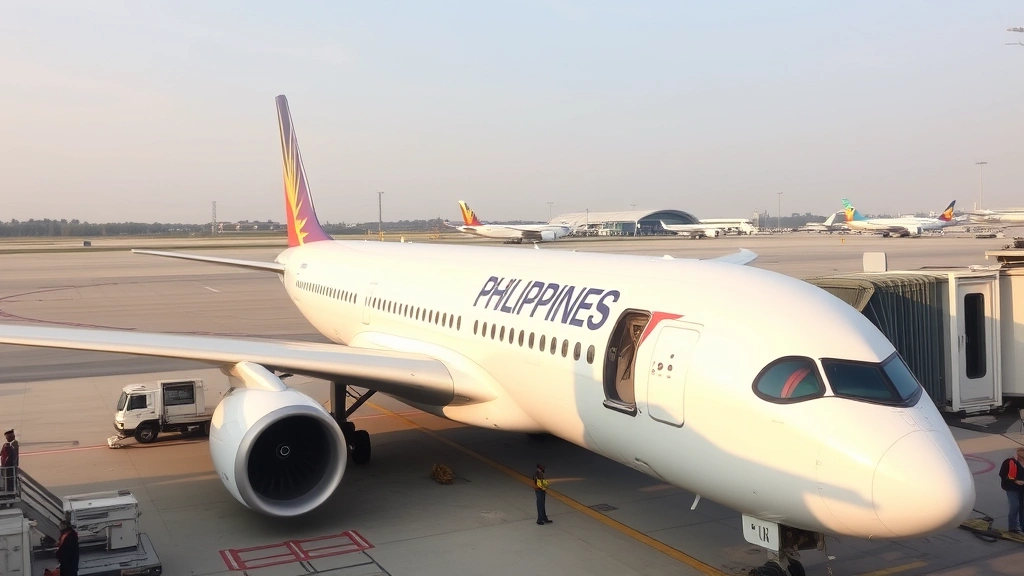
The airline serves over 40 destinations worldwide with a modern fleet including Airbus A350s, A321neos, and Boeing 777s. With thousands of daily operations, Philippine Airlines maintains a robust system for providing passengers with accurate, up-to-the-minute flight information. This comprehensive guide walks you through everything you need to know about tracking your Philippine Airlines flight, understanding status codes, and utilizing the airline’s digital tools for seamless travel experiences.
How to Check Philippine Airlines Flight Status
Checking your Philippine Airlines flight status has never been easier, with multiple platforms available for real-time information. The official Philippine Airlines website (www.philippineairlines.com) provides the most direct method for status checking. Simply navigate to the “Flight Status” section, enter your flight number or departure and arrival cities along with your travel date, and the system instantly displays current information including gate assignments, boarding times, and any delays or schedule changes.
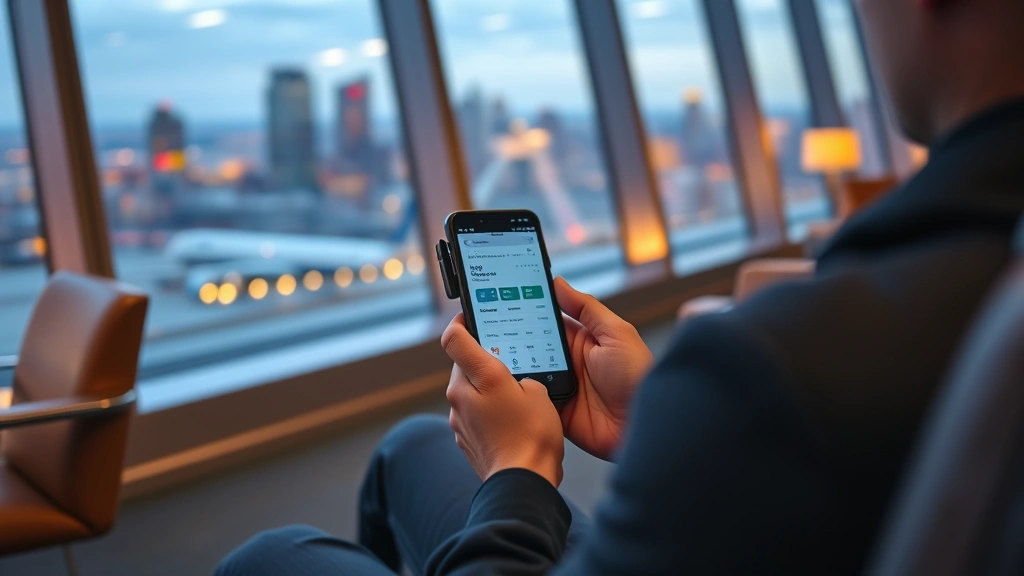
For passengers who prefer mobile access, the Philippine Airlines mobile application offers convenient on-the-go tracking. Available on both iOS and Android platforms, the app provides push notifications for flight updates, allowing you to receive alerts even when you’re away from a computer. The interface is user-friendly and designed specifically for Philippine Airlines passengers, integrating seamlessly with your booking confirmation details.
Third-party flight tracking websites like Flightradar24 and FlightAware also provide comprehensive tracking for Philippine Airlines flights. These platforms offer real-time aircraft positions, altitude data, and estimated arrival times based on radar information. Many experienced travelers use these services alongside the airline’s official channels for cross-verification and detailed flight path visualization.
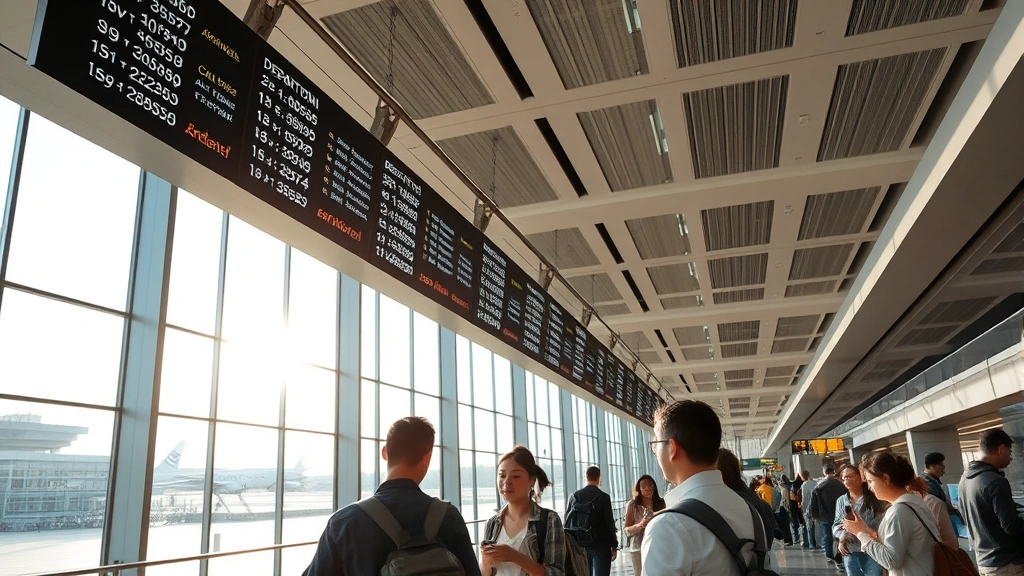
At the airport, information displays throughout Manila’s Ninoy Aquino International Airport (NAIA) and other major Philippine hubs show live flight status updates. Gate information, boarding times, and any schedule modifications appear on these screens, ensuring passengers have access to current information even without internet connectivity.
Understanding Flight Status Codes
Philippine Airlines uses standardized flight status codes that international aviation regulations require. Understanding these codes helps you interpret what your flight status means and what actions you should take.
- Scheduled: The flight is confirmed and operating as planned with no changes to departure or arrival times.
- Boarding: Passengers are currently boarding the aircraft, and the flight will depart within the next 30 minutes.
- Departed: The aircraft has left the gate and is taxiing toward the runway for takeoff.
- In Flight: The aircraft is airborne and currently en route to the destination airport.
- On Time: The flight is operating according to the original schedule with no delays anticipated.
- Delayed: The flight will depart later than scheduled; check the revised departure time for updated information.
- Cancelled: The airline has cancelled this flight; rebooking options and compensation details appear in your account.
- Diverted: Due to weather or technical reasons, the aircraft has been redirected to an alternate airport.
- Landed: The aircraft has successfully arrived at the destination airport and is taxiing to the gate.
Weather-related delays frequently impact Philippine Airlines operations, particularly during the monsoon season (June-November) when tropical storms affect regional routes. Mechanical delays, though rare with PAL’s modern fleet, can also cause schedule changes. Understanding these codes empowers you to make informed decisions about your travel plans and communicate effectively with airline staff if changes occur.
Mobile App and Digital Tools
The Philippine Airlines mobile application represents the airline’s commitment to passenger convenience and digital innovation. Beyond basic flight status checking, the app integrates multiple travel functions that streamline your entire journey. You can manage your booking, select seats, add special services, and access your mobile boarding pass directly from your smartphone.
Push notifications keep you informed without requiring constant app monitoring. Set up alerts for your specific flights, and the system sends updates automatically when status changes occur. This feature proves invaluable during unexpected delays or schedule modifications, allowing you to adjust ground transportation arrangements or notify colleagues about arrival changes.
The app’s seat selection feature lets you choose preferred seating during booking or closer to departure. When combined with best airlines for frequent flyers programs, premium seat selections become available to elite members, enhancing the travel experience for loyal passengers.
Integration with Philippine Airlines’ frequent flyer program, Mabuhay Miles, allows you to check your points balance, view available redemption options, and apply miles during booking directly through the app. This unified platform eliminates the need for multiple logins and separate systems, creating a cohesive digital experience.
Web check-in capability through the app enables you to check in online 24 hours before departure, select your preferred seat if not already chosen, and receive your mobile boarding pass. This feature significantly reduces airport wait times and streamlines the check-in process, particularly beneficial during peak travel periods.
Real-Time Notifications and Alerts
Setting up real-time notifications ensures you never miss critical updates about your flight. Philippine Airlines provides multiple notification channels including SMS, email, and push notifications through the mobile app. Each channel can be customized based on your preferences and communication habits.
SMS alerts work universally across all phone types and don’t require app installation, making them reliable for travelers who prefer traditional communication methods. Email notifications provide detailed information suitable for sharing with colleagues or family members who need to coordinate pickups or schedule adjustments.
Push notifications through the official app deliver immediate alerts directly to your device’s home screen, ensuring urgent information reaches you instantly. These notifications include departure delays, gate changes, boarding announcements, and arrival confirmations, keeping you fully informed throughout your journey.
For international travelers, Philippine Airlines sends notifications in English, ensuring language barriers don’t prevent you from receiving critical flight information. When traveling to Philippine tourism destinations, these notifications help coordinate ground transportation and hotel check-in times based on actual arrival information.
Customizable notification settings allow you to choose which updates you want to receive and through which channels. You can opt in for all updates, critical changes only, or specific categories like delays and cancellations. This flexibility prevents notification fatigue while ensuring you receive information relevant to your travel needs.
Booking and Reservation Management
Managing your Philippine Airlines reservation through the airline’s website or app provides comprehensive control over your booking details. After initial booking, you can modify passenger information, update contact details, add special requests, and manage baggage allowances.
The “Manage My Booking” feature allows you to access your reservation using your confirmation number and last name. This function works on both the website and mobile app, providing flexibility in how you manage your travel plans. Changes made through this system update in real-time across all Philippine Airlines platforms.
Baggage management through your online reservation lets you purchase additional baggage allowance if needed, view baggage policies for your specific flight, and monitor baggage limits based on your cabin class. Understanding the best times to book airline tickets helps optimize your baggage purchases and overall travel costs.
Special service requests including wheelchair assistance, unaccompanied minor arrangements, and pet travel accommodations can be added or modified through your online reservation. These services require advance notice, and managing them through your booking ensures Philippine Airlines has accurate information before your flight departure.
Seat selection changes can be made anytime before check-in, allowing you to adjust preferences as your travel plans evolve. Premium seat selections with extra legroom offer additional comfort for essential tips for long haul flights, particularly valuable for flights to North American or European destinations.
Dealing with Flight Delays and Cancellations
Despite Philippine Airlines’ strong operational record, delays and cancellations occasionally occur due to factors beyond the airline’s control. Understanding your passenger rights and available options ensures you can respond effectively when disruptions happen.
Philippine Airlines provides passenger care during delays according to international aviation standards. Flights delayed more than three hours typically include meal vouchers, refreshments, and hotel accommodations for overnight delays. Communication through airport announcements and your registered contact information keeps you informed about support services and rebooking options.
Cancellation compensation varies based on flight distance and delay cause. EU261 regulations apply to Philippine Airlines flights departing European airports, providing up to €600 compensation for eligible passengers. For other routes, Philippine Airlines follows IATA guidelines and national aviation authority requirements specific to flight origin and destination.
Rebooking options for cancelled flights include alternative Philippine Airlines flights at no additional charge, flights on partner airlines if no PAL flights are available, or full refunds. You can request your preferred option through the airline’s customer service desk at the airport or through your online booking management system.
Travel insurance provides additional protection for delays and cancellations, covering accommodation costs, meal expenses, and transportation during disruptions. Many travel agencies and online platforms offer comprehensive coverage when booking Philippine Airlines flights, providing financial security beyond airline-provided care.
Documenting your flight disruption with receipts and boarding passes supports any future compensation claims. Keep records of meal purchases, accommodation expenses, and transportation costs incurred due to delays or cancellations, as these may be reimbursable under applicable regulations.
International Flight Tracking
Philippine Airlines operates extensive international routes connecting Asia, North America, and the Middle East. Tracking international flights requires understanding different air traffic control systems and time zones that affect flight information display.
When tracking flights departing the Philippines to international destinations, Philippine Airlines flight status information displays in Philippine Standard Time (PST/PHT). Arrival times automatically adjust for destination time zones, but understanding this conversion prevents confusion about actual arrival schedules. A flight departing Manila at 11 PM arriving in San Francisco at 1 PM the next day reflects the 16-hour time difference plus flight duration.
International flights appear on global flight tracking platforms with additional data not always available on the Philippine Airlines website. ICAO flight tracking systems provide standardized international flight information, while regional air navigation service providers offer detailed tracking for specific geographic areas.
Customs and immigration processing times affect actual arrival procedures beyond aircraft landing. A flight landing at 2 PM may not clear passengers through immigration until 3:30 PM or later, depending on passenger volume and processing efficiency. Philippine Airlines provides estimated gate arrival times, but ground processing adds additional time before you exit the airport.
For connections through Philippine Airlines’ Manila hub, tracking multiple flight segments ensures you understand realistic connection times. A two-hour connection between an international arrival and domestic departure provides sufficient time for clearing immigration, collecting baggage, checking baggage for the next flight, and proceeding to the departure gate.
International flight disruptions may involve multiple aviation authorities and government agencies. Weather diversion to alternate airports, security-related delays, or mechanical issues requiring extended repairs may result in updates from various sources. Staying informed through multiple channels ensures comprehensive understanding of your flight status and available options.
Accessing IATA passenger services information provides international passenger rights details applicable to your specific flight route. Understanding these rights empowers you to request appropriate care and compensation when disruptions occur on international flights.
When traveling internationally on Philippine Airlines, maintaining communication with the airline throughout your journey ensures you receive all available support and information. Register your contact details accurately during booking, enable push notifications for your mobile app, and monitor official channels for updates about your flight status and any schedule changes affecting your travel plans.
FAQ
How far in advance can I check my Philippine Airlines flight status?
You can check your flight status beginning 24 hours before your scheduled departure time. The Philippine Airlines website and app allow status checks for flights departing within this timeframe. For flights scheduled further in advance, you can verify booking details through your reservation management system, but real-time status information becomes available only within the 24-hour window.
What should I do if my Philippine Airlines flight is cancelled?
Contact Philippine Airlines immediately through their website, mobile app, or airport customer service desk. You have three options: rebooking on the next available Philippine Airlines flight to your destination at no charge, rebooking on a partner airline if no PAL flights are available, or requesting a full refund. Keep all receipts and documentation of expenses incurred due to the cancellation for potential reimbursement claims.
Can I receive flight status updates via SMS?
Yes, Philippine Airlines provides SMS notifications for flight updates. Enable SMS alerts in your account settings and ensure your phone number is correctly registered. You’ll receive text messages for critical updates including delays, cancellations, gate changes, and boarding confirmations. This service works internationally, making it ideal for passengers traveling from abroad.
How accurate is the Philippine Airlines mobile app for real-time flight tracking?
The official Philippine Airlines mobile app provides highly accurate flight status information sourced directly from the airline’s operational systems. Updates reflect actual gate information, boarding times, and departure confirmations. However, external factors like weather or air traffic control decisions may cause changes after app updates, so check for new notifications before heading to the airport.
What happens if my Philippine Airlines flight is delayed more than three hours?
For delays exceeding three hours, Philippine Airlines provides passenger care including meal vouchers, refreshments, and hotel accommodation for overnight delays. The airline also offers communication services to contact family or business associates about your delayed arrival. Compensation eligibility depends on flight distance, delay cause, and applicable regulations for your flight route.
Can I track my Philippine Airlines flight using flight number alone?
Yes, you can track using your flight number on the Philippine Airlines website, mobile app, and third-party flight tracking platforms. However, you’ll need to specify your travel date since Philippine Airlines operates multiple daily flights on popular routes. Flight number plus date provides the most accurate tracking results across all platforms.
How does Philippine Airlines notify passengers about gate changes?
Philippine Airlines communicates gate changes through multiple channels including airport information displays, mobile app push notifications, SMS alerts, and airport announcements. If you’ve enabled push notifications in the mobile app and registered your phone number, you’ll receive immediate alerts when gates change. Always verify gate information on airport displays before proceeding to the gate.