Track Copa Flights: Real-Time Updates and Flight Status Guide
Copa Airlines, officially known as Compañía Panameña de Aviación, is Central America’s leading carrier and a major hub for connecting flights throughout the Americas. Whether you’re flying from Panama City’s Tocumen International Airport or connecting through their extensive network, knowing how to track your Copa flight in real-time is essential for stress-free travel. This comprehensive guide walks you through every method to monitor your flight status, understand delay codes, and stay informed throughout your journey.
Real-time flight tracking has become indispensable for modern travelers. With Copa Airlines operating over 350 daily flights across 80+ destinations, having reliable access to your status flight copa information ensures you never miss a connection, arrive unprepared for delays, or wonder about your baggage location. Whether you’re a frequent flyer or taking your first Copa flight, understanding the available tracking tools and resources will transform how you travel.
Official Copa Airlines Flight Tracking
The most reliable way to track your Copa flight is through the official Copa Airlines website. Their flight tracking tool is straightforward and provides comprehensive real-time information directly from their system. Simply navigate to the “Track Your Flight” section, enter your flight number (usually starting with CM followed by three or four digits), and receive instant updates on departure and arrival times, current aircraft location, and gate information.
To access Copa’s official tracking system, you’ll need either your flight number or your booking reference number. If you have your confirmation email from when you booked your ticket, you can easily find this information. The booking reference is particularly useful if you don’t have your flight number memorized. Copa’s system updates every few minutes, ensuring you have the most current information available. This is especially important when tracking connecting flights through Panama City, as timing is critical for making your next flight.
Copa Airlines also offers a dedicated customer service line where representatives can provide verbal flight status updates. This is particularly helpful if you’re experiencing technical difficulties accessing their website or if you need additional assistance regarding your booking. They maintain 24/7 customer support across multiple languages, recognizing their diverse passenger base throughout Latin America and beyond.

Real-Time Tracking Platforms and Apps
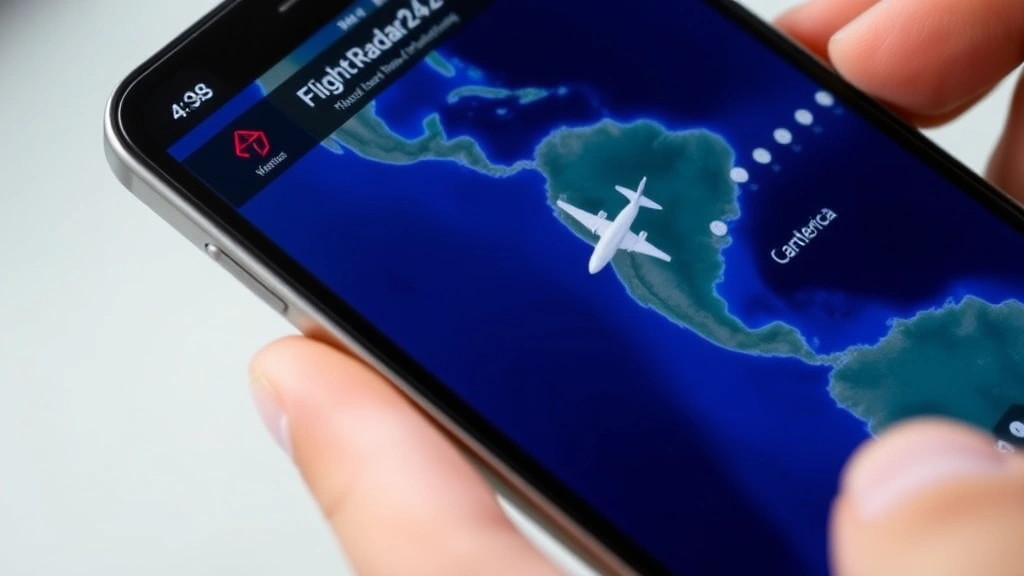
Beyond Copa’s official website, several third-party platforms provide excellent real-time flight tracking capabilities. FlightRadar24 is perhaps the most popular, offering live aircraft tracking with detailed flight paths, altitude information, and speed data. You can search by flight number, route, or aircraft registration to see exactly where your plane is in the sky. The platform uses data from thousands of ground-based radar receivers and ADS-B receivers worldwide, providing remarkably accurate position information updated in real-time.
Another excellent resource is FlightAware, which provides comprehensive flight tracking with historical data, delay predictions, and detailed airport information. FlightAware’s algorithm analyzes hundreds of variables to predict potential delays before they occur, giving you advance warning if your Copa flight might be running late. This platform is particularly useful for understanding why delays happen and what to expect moving forward.
These third-party platforms often provide information that Copa’s official system doesn’t display, such as actual aircraft type, fuel information, and detailed flight path visualization. Many travelers use these tools alongside Copa’s official tracking to get a complete picture of their flight status. The combination of official and third-party tracking ensures you never miss critical updates about your journey.
Understanding Flight Status Codes
Flight status information appears in standardized codes that all airlines, including Copa, use in their tracking systems. Understanding these codes helps you interpret what’s happening with your flight. On Time (OT) indicates your flight is operating on its scheduled timeline. Delayed (DE) means the flight is running behind schedule, and the system will show the revised departure or arrival time. Cancelled (CA) indicates the flight is no longer operating that day.
Additional codes you might encounter include Boarding (BD), which means passengers are actively boarding the aircraft and the flight will depart shortly. Departed (DP) confirms the aircraft has left the gate and is en route. Arrived (AR) indicates the flight has landed and passengers are disembarking. Diverted (DV) means the aircraft is landing at an airport other than the scheduled destination, often due to weather or mechanical issues.
Understanding these codes removes confusion when tracking your flight. Rather than wondering what a cryptic status means, you’ll know exactly where your flight stands and what actions you might need to take. Many travelers miss important updates because they don’t understand status code terminology, so familiarizing yourself with these standard codes is worthwhile.
Mobile Apps for Copa Flight Monitoring
The official Copa Airlines mobile application provides the most convenient way to track flights on your smartphone or tablet. Available for both iOS and Android, the app offers push notifications that alert you to status changes, gate assignments, and boarding times. You can save multiple flight itineraries, making it easy to track both outbound and return flights simultaneously.
The Copa app also integrates your booking information, allowing you to access your digital boarding pass directly from the application. This integration means you can check your flight status, see your seat assignment, and access your boarding pass all from one place. The app’s interface is intuitive, with clear visual indicators showing whether your flight is on schedule, delayed, or cancelled.
Beyond Copa’s official app, general flight tracking applications like Flighty, TripIt, and Kayak also support Copa flight monitoring. These apps often provide additional features like seat map visualization, real-time weather updates along your flight path, and integration with your calendar and email. Many frequent travelers prefer these comprehensive travel apps because they consolidate information from multiple airlines and travel providers.
Airport Arrival and Departure Boards
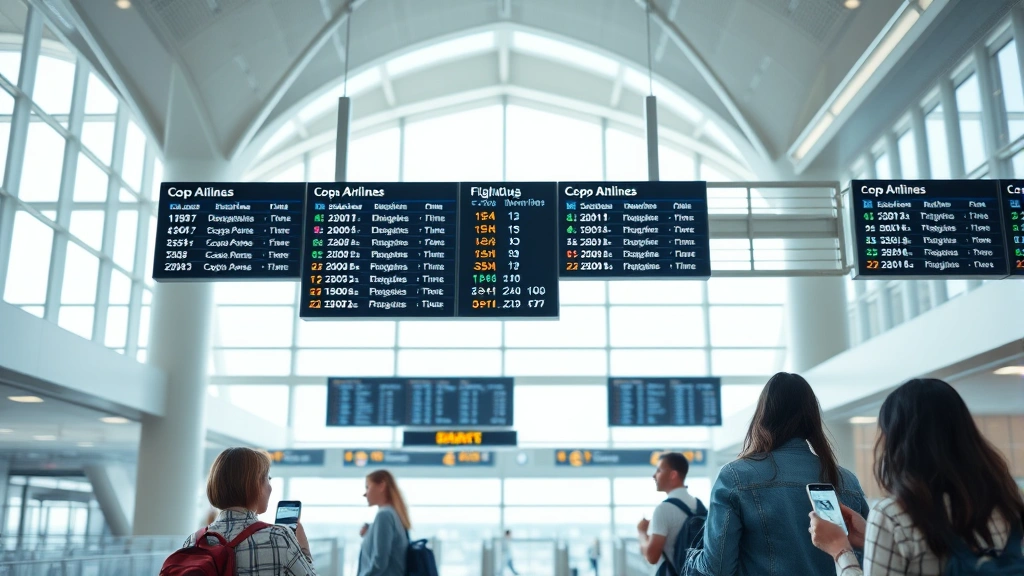
While digital tracking is convenient, don’t overlook the value of traditional airport information displays. Tocumen International Airport in Panama City, Copa’s primary hub, features comprehensive departure and arrival boards throughout the terminal. These boards display real-time information about all flights, including Copa operations. If you’re at the airport, checking these boards provides official information directly from airport operations.
Most major airports served by Copa maintain up-to-date flight information displays at gates, in terminals, and in baggage claim areas. These displays show departure times, gate numbers, and any status changes. If you’re checking in for a flight or waiting in the terminal, these boards are your most immediate source of current flight information. Airport staff at information desks can also provide verbal updates if you can’t find the information on digital displays.
When comparing flight options between different airports, understanding how each airport displays flight information can be helpful. Some airports provide more frequent updates than others, and familiarity with terminal layouts helps you quickly locate information when you need it.
Connecting Flights and Hub Management
Copa Airlines operates a major hub in Panama City, where many passengers connect between flights. If you’re making a connection, tracking becomes even more critical. When you book a connecting flight through Copa, their system should automatically coordinate your flights. However, independently tracking both flight segments ensures you know about any delays that might affect your connection.
If you’re connecting in Panama City, Copa’s hub operations are highly efficient, but weather delays or mechanical issues can still impact connections. By tracking your incoming flight in real-time, you’ll know immediately if you’re running late. If your incoming flight is delayed and you’re concerned about making your connection, contact Copa customer service immediately. They can rebook you on alternative flights if necessary.
Copa’s system typically builds in sufficient connection time for their passengers. However, if your incoming flight is significantly delayed, you might need assistance. Having real-time tracking information allows you to contact customer service proactively rather than discovering your connection is missed only when you reach the gate. This proactive approach can save considerable time and stress.
Dealing with Flight Delays and Cancellations
Understanding how to respond when your Copa flight is delayed or cancelled is crucial for managing travel disruptions. Most delays fall into three categories: mechanical, weather-related, or operational. Mechanical delays involve aircraft maintenance issues and are typically unpredictable. Weather delays occur when conditions at departure, arrival, or en route airports are unsafe for flight operations. Operational delays result from crew availability, air traffic congestion, or ground handling issues.
When you receive notification of a delay, check the estimated new departure time regularly. Flight tracking systems update this information as conditions change. If your flight is significantly delayed, Copa usually offers meal vouchers, hotel accommodations for overnight delays, and rebooking on alternative flights. Your entitlements depend on the delay length and cause, so understanding Copa’s passenger rights policies is important.
For cancellations, Copa will automatically rebook you on the next available flight to your destination or offer a full refund. If you’re rebooking, you can do so through their website, mobile app, or by calling customer service. Having real-time tracking information helps you understand whether your flight might be cancelled before the official cancellation is announced, allowing you to proactively contact customer service.
When experiencing significant delays or cancellations, consider reading about how airlines handle flight disruptions to understand your options better. Different airlines handle these situations differently, but passenger rights frameworks are relatively consistent across carriers.
International Flight Tracking Considerations
Tracking international Copa flights involves additional considerations beyond domestic flights. International flights cross multiple countries, each with different airspace regulations and tracking requirements. However, most international Copa flights still appear on FlightRadar24 and FlightAware, providing real-time tracking throughout the journey.
When flying internationally with Copa, be aware that departure and arrival times may be displayed in local time zones. Copa’s website typically shows times in the local time zone of each airport, which helps prevent confusion. However, when calculating connection times or arrival times in your home country, always convert to your local time zone to avoid scheduling mistakes.
International flights also involve customs and immigration procedures, which can affect actual arrival times even if the aircraft arrives on schedule. When tracking international Copa flights, monitor both the aircraft’s arrival time and the estimated time passengers will clear immigration and baggage claim. This distinction is particularly important if you’re arranging ground transportation or connecting to other flights.
For international travel, having access to IATA travel information and destination-specific travel advisories is valuable. Copa serves many destinations with varying infrastructure and operational standards, so understanding each destination helps you plan accordingly.
When preparing for international travel with Copa, reviewing essential tips for long-haul flights and understanding airline luggage size restrictions ensures you’re fully prepared for your journey. These resources address practical concerns that complement flight tracking information.
Copa Airlines serves destinations throughout the Americas, and each destination has unique characteristics. Whether you’re flying to South America, the Caribbean, or North America, using real-time tracking combined with destination-specific knowledge ensures smooth travel experiences. The combination of effective flight tracking and comprehensive travel preparation creates the foundation for successful air travel.
FAQ
How often does Copa Airlines flight tracking update?
Copa’s official tracking system updates every few minutes, typically within 2-5 minute intervals. Third-party platforms like FlightRadar24 update even more frequently, sometimes every 10-30 seconds, depending on radar coverage in the flight’s location. For the most current information, check multiple sources and refresh your browser or app regularly.
Can I track a Copa flight without a booking reference?
Yes, you can track any Copa flight using just the flight number. The flight number (starting with CM) is sufficient to access real-time tracking on Copa’s website, FlightRadar24, or FlightAware. You don’t need a booking reference to track a flight’s progress, though you’ll need booking information to access passenger-specific details like seat assignments.
What should I do if my Copa flight is delayed more than 3 hours?
Contact Copa customer service immediately. For delays over 3 hours, you may be entitled to accommodation, meals, and communication services. Copa’s website provides specific information about passenger rights for delays. Keep documentation of all expenses incurred due to the delay, as you may be able to claim reimbursement depending on the delay cause.
How can I receive notifications about my Copa flight status?
Enable push notifications in the Copa Airlines mobile app for automatic alerts about status changes. You can also enable notifications in FlightAware or other tracking apps. Additionally, many airlines offer SMS or email notifications if you opt in during booking. Check your booking confirmation email for notification preference options.
Is real-time tracking available for all Copa flights?
Most Copa flights appear on real-time tracking platforms, but some regional or charter flights may not. International flights are typically tracked throughout their journey. If you can’t find your specific flight on tracking platforms, contact Copa directly for status information. Flight number accuracy is crucial—double-check your flight number before searching.
Can I change my flight if tracking shows it’s delayed?
Many airlines, including Copa, allow flight changes if you’re concerned about a delay affecting your plans. Contact Copa customer service to discuss options. If your flight is significantly delayed and you have a tight connection, Copa can often rebook you on an earlier flight to the same destination if available. Act quickly, as available seats fill fast.
What’s the difference between FlightRadar24 and Copa’s official tracking?
Copa’s official tracking provides gate information, terminal details, and passenger-specific booking information. FlightRadar24 shows real-time aircraft location, altitude, speed, and flight path but lacks gate and booking information. Using both sources provides the most comprehensive view of your flight’s status and location.